Image Watermarker
Protect your images by adding a custom text or logo watermark. Adjust the position and style to fit your needs, then download the watermarked result instantly. Learn how to put a watermark on your image →
What is Image watermarker
An Image Watermarker applies a visible overlay—either text or a logo—onto an image to indicate ownership, branding, or provenance. The tool supports placement, scaling, opacity adjustments, and simple styling so you can make the watermark subtle or clearly visible depending on your goals.
How watermarking works
After selecting a source image you can choose a text watermark or upload a logo. The editor renders the watermark on an offscreen canvas at the chosen position and opacity, and then exports the composite as a new image file for download. Processing is performed locally in the browser.
Choosing the right watermark
- Semi-transparent text is a good balance for branding without overwhelming the image.
- Logos (PNG/SVG) keep transparency and provide a cleaner brand mark—use vector or high-resolution PNG logos where possible.
- Consider placement: corners are less likely to be cropped, while tiled or full-frame watermarks offer stronger protection but impact aesthetics.
Practical tips
- Use lower opacity and smaller scale for a subtle brand mark; increase opacity and size for stronger visible protection.
- For batch use, standardize watermark position and size to ensure consistent branding across images.
- Preview at actual export size to confirm legibility and visual balance before downloading.
Useful when
- need to protect your images with a visible watermark.
- want to maintain control over watermark placement, size, and opacity.
- preparing images for sharing online or for branding purposes.
Privacy, retention and limitations
Because watermarking runs in your browser, your images remain on your device unless you explicitly upload them. Note that visible watermarks deter casual reuse but are not a foolproof copyright protection; determined actors can remove or crop them.
FAQs
- Q: Can I use a logo? A: Yes — upload a PNG or SVG logo to apply as a watermark; transparent backgrounds are supported.
- Q: Will this change my original image? A: No — the tool creates a new watermarked file and does not overwrite your original file.
- Q: Does the image leave my browser? A: No — watermarking runs in your browser and does not upload the original image by default.
- Q: Can I control opacity, size, and position? A: Yes — use the controls to adjust the watermark's opacity, scale, and placement.
- Q: Does watermarking work with all image formats? A: Common web formats (JPEG, PNG, WebP) are supported.
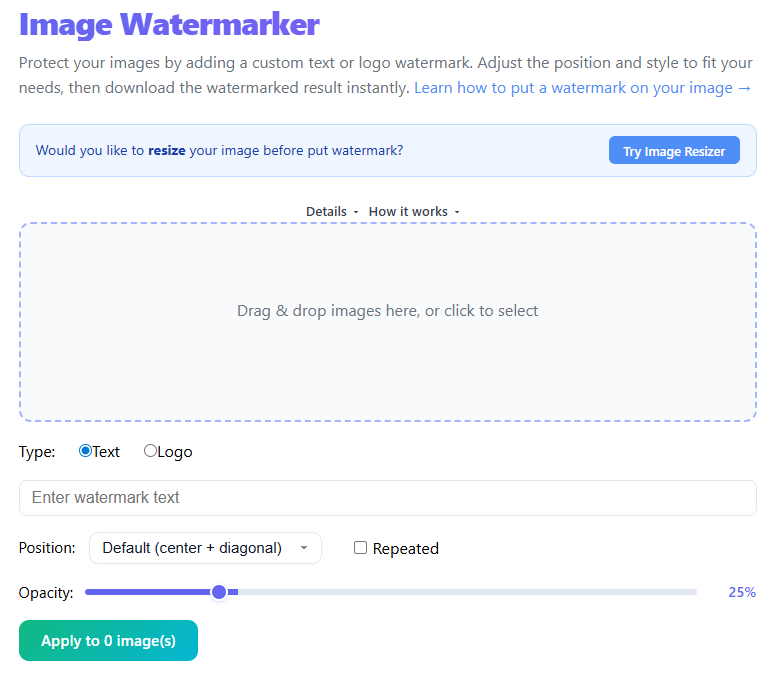
Import an image to watermark via drag & drop or file select.
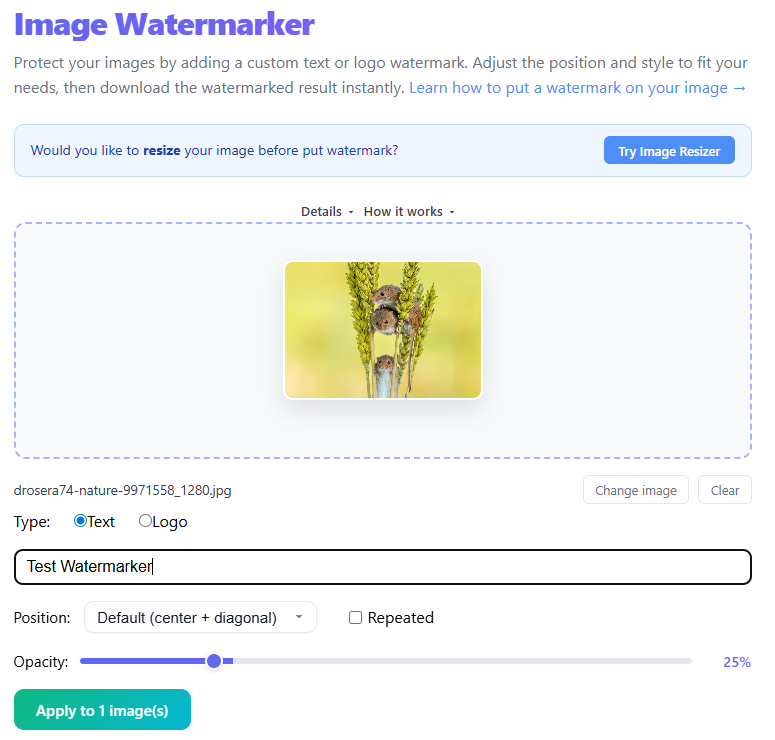
Choose text or logo watermark and adjust position, size, and opacity.

Apply the watermark preview and fine-tune placement.

Export and download the watermarked image.
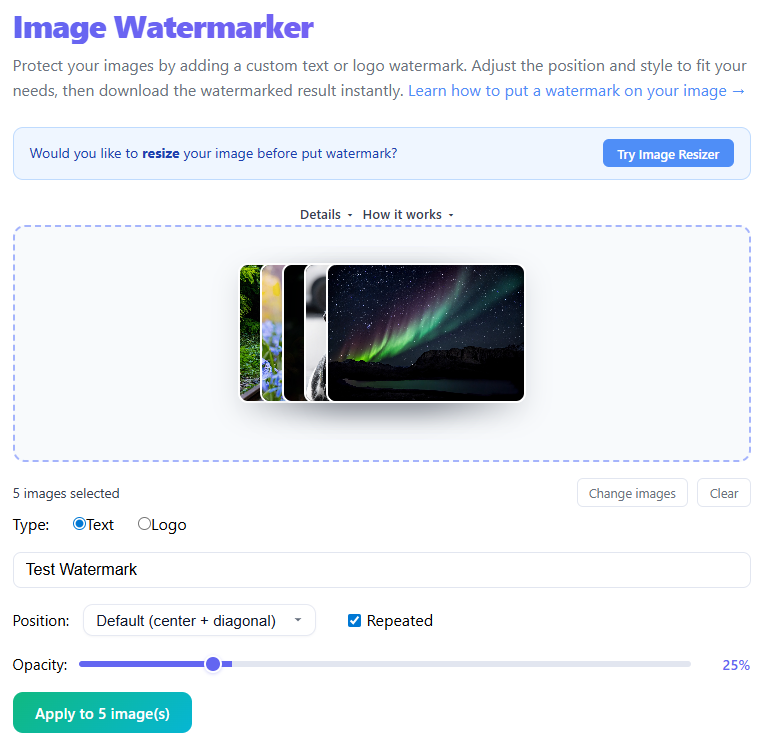
Optional - You can apply watermark on multiple files at once.
How to Add Watermarks to Image(s) (Protect Your Work and Build Your Brand)
If you share images online — whether photos, designs, or screenshots — you've probably worried about others using them without permission. That's where watermarking comes in.
What Is a Watermark?
A watermark is a visible overlay (text or logo) placed on an image to indicate ownership or origin. Common types include text watermarks (name, website), logo watermarks (brand identity), and pattern watermarks (repeated across image).
Why You Should Use Watermarks
- Protect Your Content: Watermarks discourage casual reuse by clearly showing ownership.
- Build Brand Recognition: Every shared image carries your name or logo with it.
- Prevent Content Theft: Makes removal harder and reduces casual copying.
- Add Professional Identity: Watermarked images look intentional and authoritative.
Types of Watermarks
Text Watermark — Simple and fast — good for blogs and tools (e.g., "thrjtech.com").
Logo Watermark — Strong branding — ideal for businesses; use PNG/SVG for transparency.
Repeated Watermark — Tiled across the image — best for high-value content, but less clean visually.
Best Practices
- Keep it visible but not distracting (opacity ~20–60%).
- Choose the right position: corner for subtle, center for strong protection.
- Use consistent branding (font, logo, placement).
- Avoid overpowering the image — balance is key.
- Match watermark color to image brightness for legibility.
Step-by-Step
- Upload your image(s)
- Enter text or upload a logo
- Adjust size, position, and opacity
- Preview the watermark
- Download the final image
FAQ
Can you put watermarks on multiple images at once?
Yes — you can select multiple images and apply the same watermark to all of them simultaneously.
Can watermarks be removed?
Yes — advanced tools may remove watermarks, but well-placed marks make removal harder.
What opacity should I use?
Usually between 30% and 60% depending on the background.
Should I place watermark in the center?
Center placement offers stronger protection; corners are subtler — choose based on your goal.
Conclusion
Watermarking is a simple way to protect images, promote your brand, and maintain ownership visibility. When done right it enhances your content without distracting from it.
Try the Image Watermarker →