JSON Formatter — Pretty-Print, Validate, and Explore JSON Online
A complete guide to using the JSON Formatter tool on THRJ. This page covers the workflow, validation tips, structure exploration, and privacy notes. Whether you are a developer debugging an API response or a data analyst reviewing a JSON export, this tool helps you read and validate JSON instantly in your browser. Open the JSON Formatter
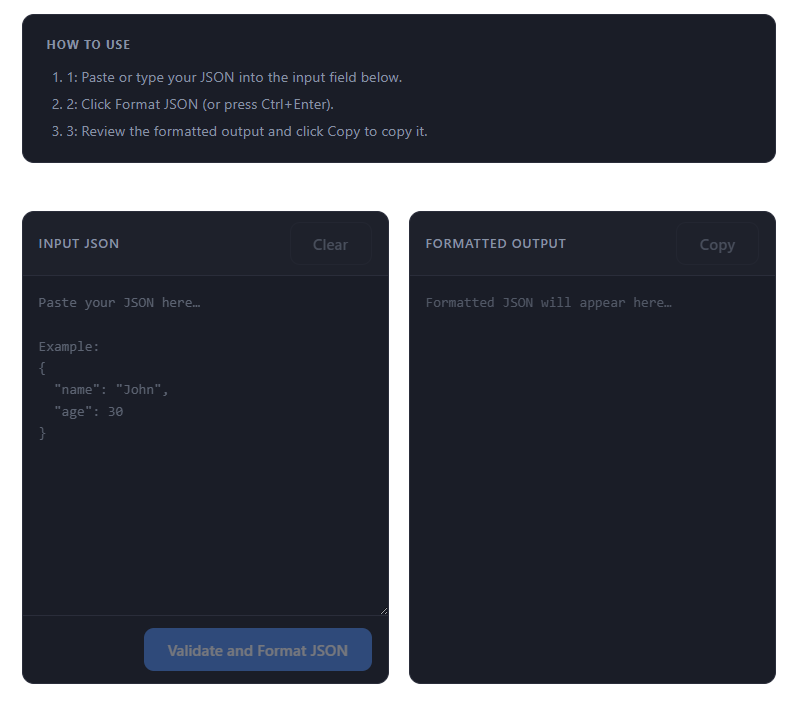
Overview
JSON Formatter helps you clean, validate, and visualize JSON instantly in your browser. It supports formatting (pretty-print), minifying, syntax validation, and a basic structure explorer.
Quick steps
- Open the JSON Formatter page:
/json-formatter. - Paste or drop your JSON into the editor.
- Click Format to pretty-print or Minify to compress.
- Use Validate to check for syntax errors and line numbers.
- Copy or download the result.
Step-by-step with screenshots
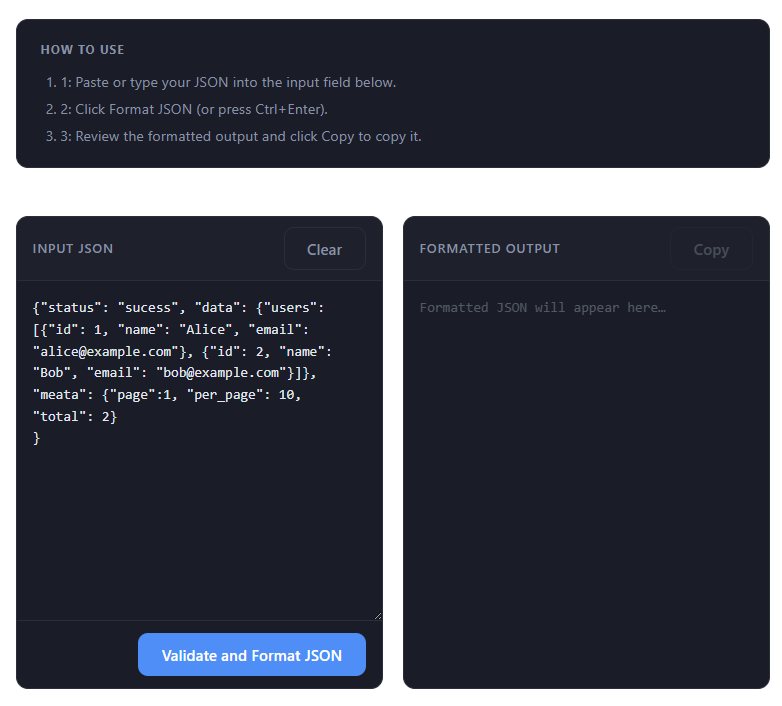
1. Paste or load JSON
Paste raw JSON into the editor or drag a .json file onto the editor area.
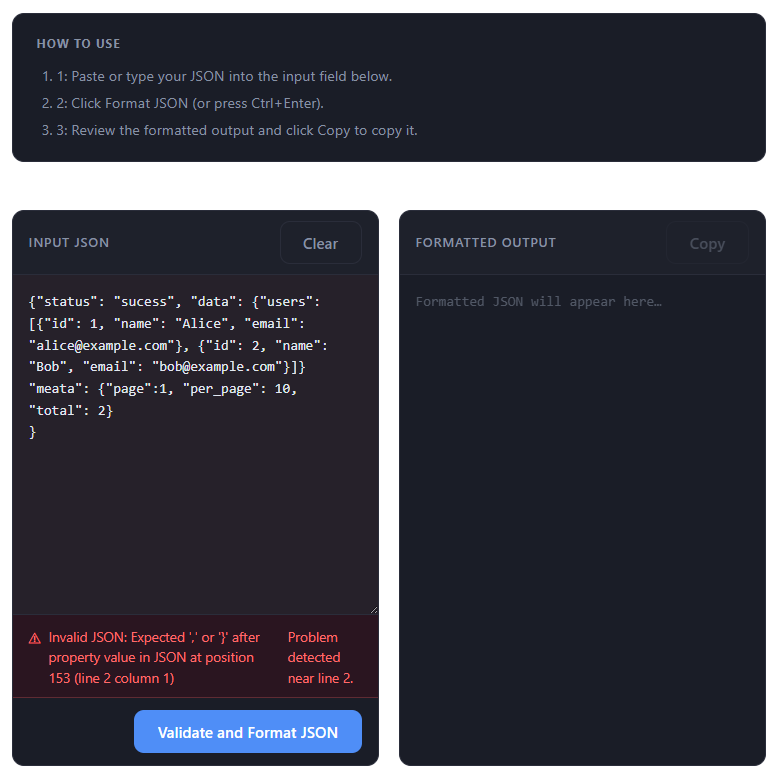
2. Format & validate
Click Format to pretty-print with indentation. If there are syntax errors, the tool highlights the line and shows an error message.
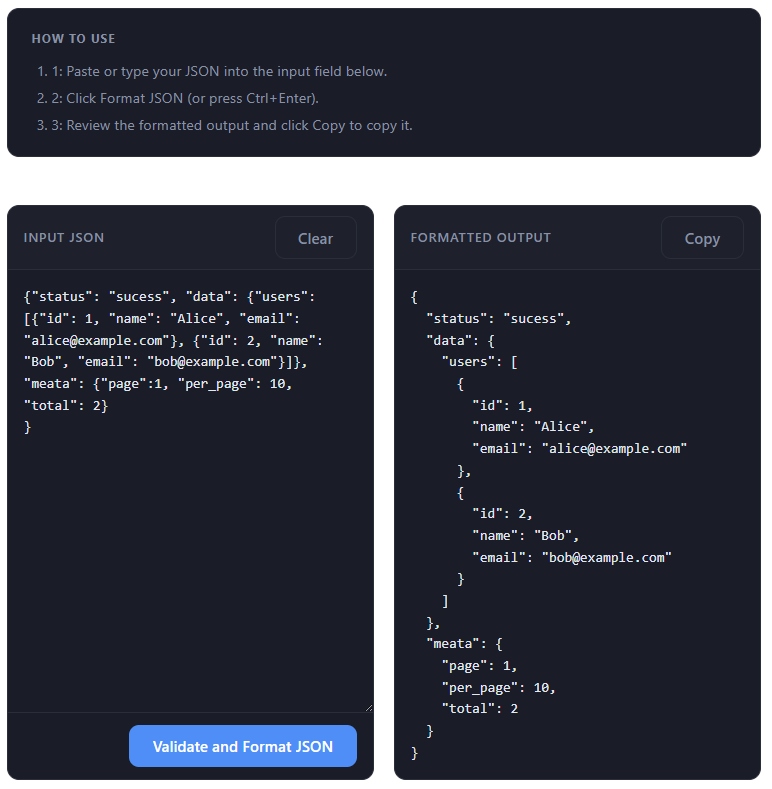
3. Explore structure
Use the simple tree view to inspect objects and arrays. Collapse or expand sections to focus on the parts you care about.
Tips
- Use Minify for sending JSON over networks where bandwidth matters.
- For very large JSON files, paste or load in parts if your browser shows performance issues.
- Keep copies of original JSON before mass edits.
Common JSON Validation Errors and How to Fix Them
Frequent mistakes include trailing commas, single quotes instead of double quotes, unquoted keys, comments, and incorrect escape sequences. The validator points to the offending line to help you fix each issue.
Use Cases for the JSON Formatter
- Debugging API responses: Paste raw responses to see structure and spot errors quickly.
- Validating config files: Check JSON configs (package.json, tsconfig.json) before runtime failures.
- Comparing JSON objects: Pretty-print both and diff to find differences easily.
- Cleaning exports: Normalize inconsistent spacing from DB or API dumps.
- Sharing readable data: Format JSON before pasting into chats or docs for clarity.
Privacy
All processing happens in your browser; nothing is uploaded to servers. For very sensitive data consider masking or redacting values before pasting.
Frequently Asked Questions
What is the maximum JSON size the formatter can handle? Most files up to several megabytes process instantly. Very large files (50 MB+) may be slow depending on your device.
Can I load a JSON file directly? Yes — drag a .json file onto the editor area to load contents.
Does the formatter support JSON5 or JSONC? The tool validates standard JSON only; strip comments/trailing commas before formatting.
Can I convert JSON to CSV? This tool focuses on formatting and validation; conversion is out of scope.
Published by THRJ Tech